Home Automation, Finally Painless with LLMs
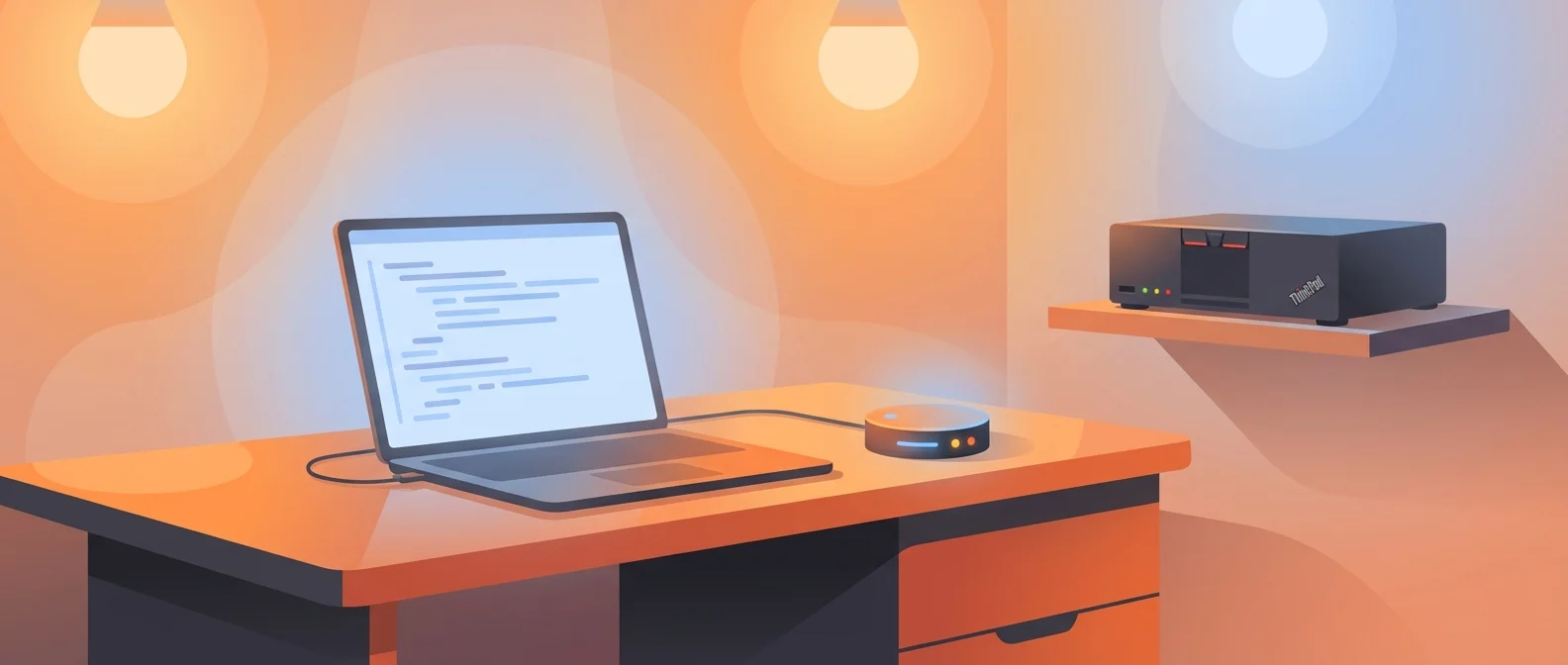
I’ve had Home Assistant running on a humble ThinkPad X270 in my home lab for about five years now. The first year was exciting. I spent countless hours setting up integrations, configuring automations, and generally having a blast. But then life happened. Responsibilities piled up, and my home automation hobby became stagnant. Not because Home Assistant isn’t great, it absolutely is, but because the friction of implementing automations kept me from actually doing anything with it.
Lately, the feeling in the LLM space is that if you can convert a problem into a code generation problem, you can go surprisingly far. So I thought: why not use Claude to help me with my home automation?
The Problem With Home Automation
Here’s the thing: the ideas are easy, but the implementation is tedious. I had tried Node-RED for a while, and it was awesome, genuinely more powerful than raw YAML. But phones change, entity IDs drift, and maintaining flows over time became its own burden. The activation energy to implement new ideas was just too high.
With an LLM and AppDaemon (pure Python for Home Assistant, available as a community add-on), all those friction points disappear:
Figure out which entities control your lights? The agent calls hass-cli state list 'light.*' and finds them.
Learn the automation syntax? It already knows Python and AppDaemon.
Handle edge cases? It usually handles them automatically, or you just ask.
Test and debug? Deploy, see what breaks, tell the agent. It fixes it.
Come back months later? The LLM reads the code and explains it. Plus it leaves comments documenting the reasoning.
The Setup
My workflow is dead simple:
- Open Claude Code or OpenCode (or any coding agent, really)
- Describe the automation I want in plain English
- Watch it write the Python
rsyncto my Home Assistant server- Done, AppDaemon auto-reloads
The deployment is literally one command:
rsync -av --delete --exclude='.venv/' --exclude='__pycache__/' \
  homeassistant/appdaemon/apps/ hassio:/addon_configs/a0d7b954_appdaemon/apps/
No restart needed. AppDaemon picks up the changes automatically.
Why This Works So Well
When I had the idea, I thought it might work since it’s just Python. But I wasn’t expecting it to work this well. Claude (specifically Opus 4.5) understands AppDaemon better than I do, and I’m honestly not very familiar with it beyond the core concepts. It just writes the code like it’s nothing.
I think this works for a few reasons:
- AppDaemon is well-documented Python, there’s plenty of examples in the training data
- The patterns are consistent, most automations follow the same structure: listen for events, check conditions, take actions
- It’s real code, you can add type hints, write tests, refactor with confidence
Example: Vacation Lights
Here’s a real automation from my setup. When we’re on vacation, I want the house to look occupied. I gave Claude a prompt like:
“When vacation mode is on, turn on the living room lights around 30 minutes after sunset with some randomness. Cycle them off briefly every 45 minutes or so to look natural. Turn everything off after about 2 hours.”
Claude produced 167 lines of Python that:
- Listens for vacation mode toggle and sunset events
- Adds randomized delays (±15 minutes) so it doesn’t look robotic
- Cycles lights off briefly every ~45 minutes to look natural
- Handles AppDaemon restarts mid-vacation (resumes the pattern)
- Cleans up all timers when vacation mode is turned off
I just tweaked a few constants. The edge cases I would have forgotten about? Claude handled them.
More Automations
Here are some other automations I’ve built, all following the same pattern of describing what I want and letting Claude figure out the implementation:
-
Security Alerts: When an entry point opens while the house is unoccupied, request location updates from phones to speed up presence detection, turn on lights if dark, wait 30 seconds, then alert if no one arrived.
-
Smart Notifications: Notifications go to the right places based on who’s home and which devices are active. Phone notifications only reach people who are home, TV notifications only when the TV is on.
-
Welcome Home: Plays a TTS greeting when someone arrives, but only for the first person. Handles the tricky timing of presence detection vs. door opening.
-
Outside Lights: Turns on lights when doors open after sunset, with automatic turn-off timers.
-
Low Battery: Daily check of all battery sensors, grouped notification if any are low.
This kind of conditional logic would be painful in YAML. In Python, it’s just code (and the best kind: the one you don’t have to write).
You can find all the code in my home-automation-appdaemon repo.
Getting Started
If you want to try this yourself, here’s what you need:
- Home Assistant running somewhere (Raspberry Pi, VM, old laptop, whatever)
- AppDaemon add-on — Install it from the Home Assistant Community Add-ons. Go to Settings → Add-ons → Add-on Store, search for “AppDaemon”, and install it.
- A coding agent — Claude Code, Cursor, or any LLM-powered coding tool
- hass-cli (optional but recommended) — Install it with
pip install homeassistant-cliand configure it to talk to your Home Assistant instance. This lets the LLM discover your actual entities.
Once AppDaemon is running, you can start writing Python automations in its apps/ directory. The add-on auto-reloads when files change, so deployment is just copying files over.
Tips
A few things that make this work well:
Keep a base class with common utilities. My BaseApp class has helpers for notifications, TTS, and logging. Every automation inherits from it.
Design for restarts. AppDaemon can restart at any time. Long-running states (like “vacation mode has been on for 3 days”) need to be checked on startup, not just when the state changes.
Entity IDs drift. When you change phones or devices, entity IDs change. Keep them as constants at the top of each file so they’re easy to update.
Let the LLM iterate. The first version is rarely perfect. Ask for opinions, compare approaches, understand how different automations interact with each other. Now that iteration is cheap, I actually use my automations instead of abandoning them.
Give the agent access to your setup. One powerful trick: let your LLM use hass-cli, a community-driven command-line client for Home Assistant. The agent can query your actual Home Assistant instance to discover entities, check state, and test services:
# Find entities by pattern
hass-cli state list 'binary_sensor.kitchen*'

# Check current state
hass-cli state get binary_sensor.front_door

# Test a service call
hass-cli service call light.turn_on --arguments entity_id=light.kitchen
This means you can describe what you want (“notify me when the garage door is left open for more than 10 minutes”) and the agent can find the right sensors, check their current state, and write code that uses the correct entity IDs, no guessing required.
Conclusion
Home automation is something I’ve always wanted but could never justify the time investment. LLMs changed that. What used to take an afternoon of documentation-reading and trial-and-error now takes minutes.
But the best part? I’m excited again. For years, my brain had stopped generating ideas because I knew implementation would be a slog. Now I find myself thinking: what if we tracked when the house has been empty for a week and adjusted the thermostat? What if we announced package deliveries on the speaker? What if we dimmed the lights automatically when a movie starts?
The ideas are flowing again because Claude handles the implementation. I just describe what I want, and it happens. That’s the dream of home automation, finally realized.
Check out the full code: github.com/muniter/home-automation-appdaemon